Still getting stuck on the same four bars?
Slow them down, practise each hand separately, and review your playing with MIDI feedback.
Piano practice for people who already read music. On iPhone and iPad.
On another device?
Open on your iPhone or iPad
Scan with your device’s camera, or search for BetterMuse in the App Store.
Currently available for iPhone and iPad.
Want BetterMuse on another platform?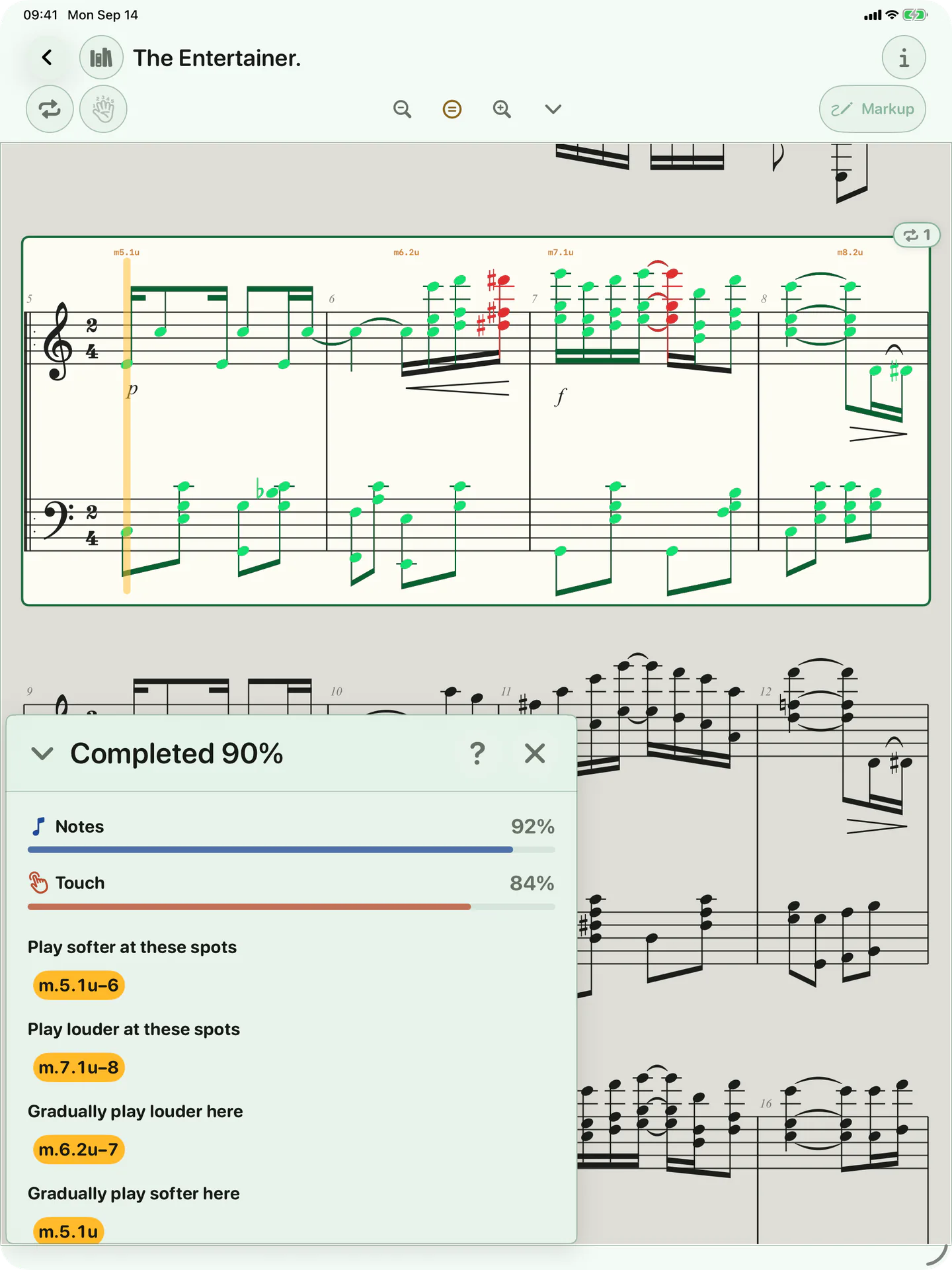
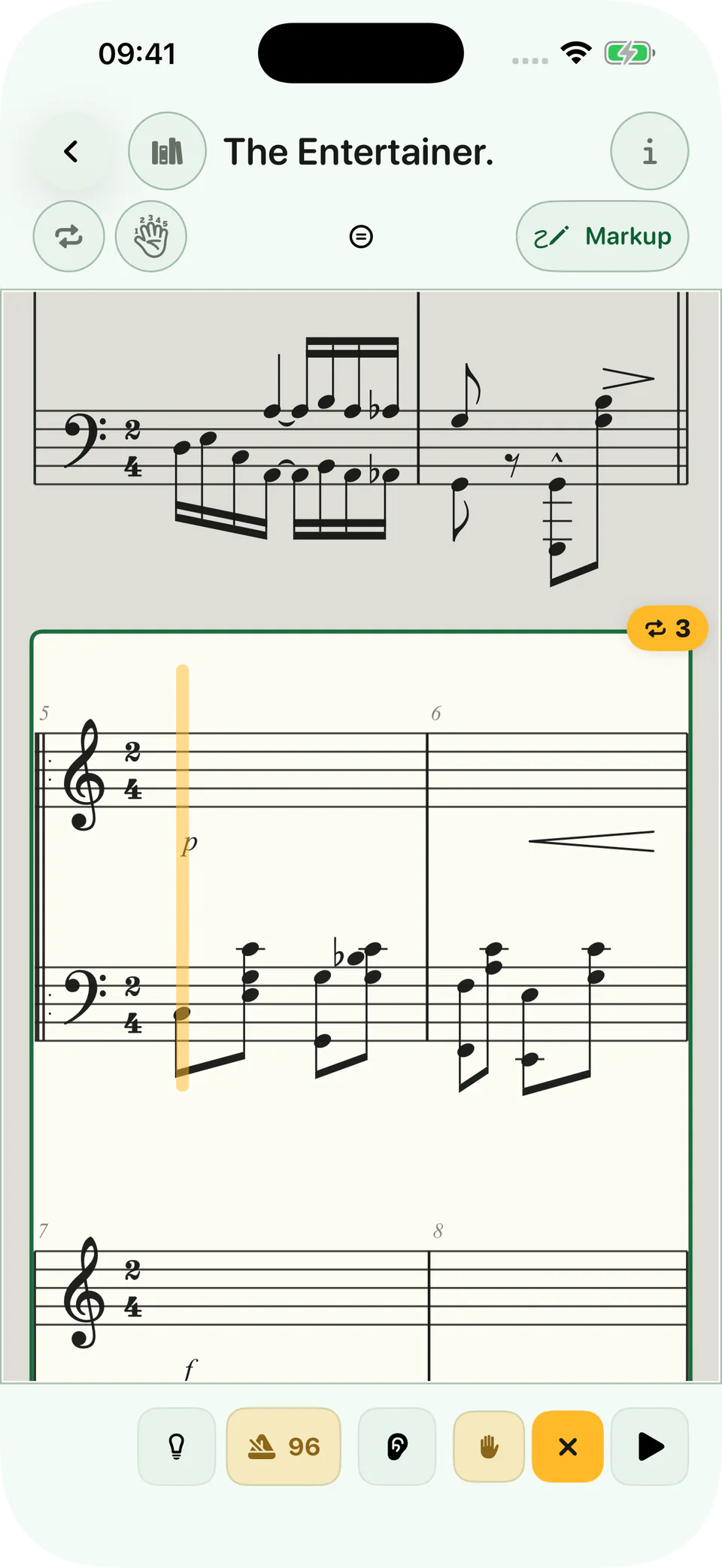
Minuet in G · Petzold
Bring your own PDF or MusicXML.
Don’t just play it again. Know what to work on.
Choose a passage. Slow it down or practise one hand. With a MIDI piano and compatible notation, review missed notes and dynamics against the score. Your next run becomes more intentional.
How MIDI feedback works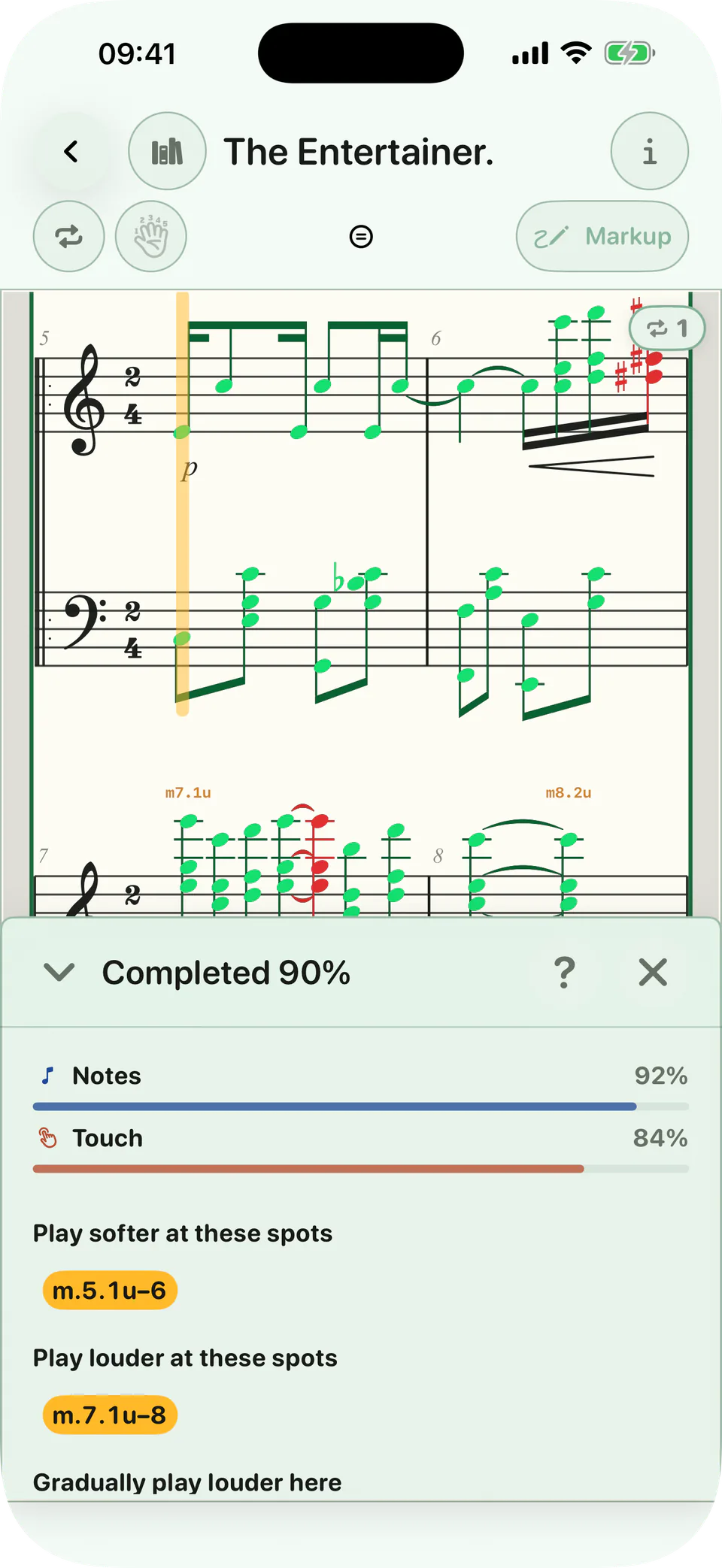
Note-level feedback requires compatible notation; PDF practice tracks time and completion instead.
Let the Circle of Fifths guide you.
Build scales, chords, patterns, and ear work in all 12 keys as you move around the musical circle.
Next: G major · E minor
Make time for the music you love.
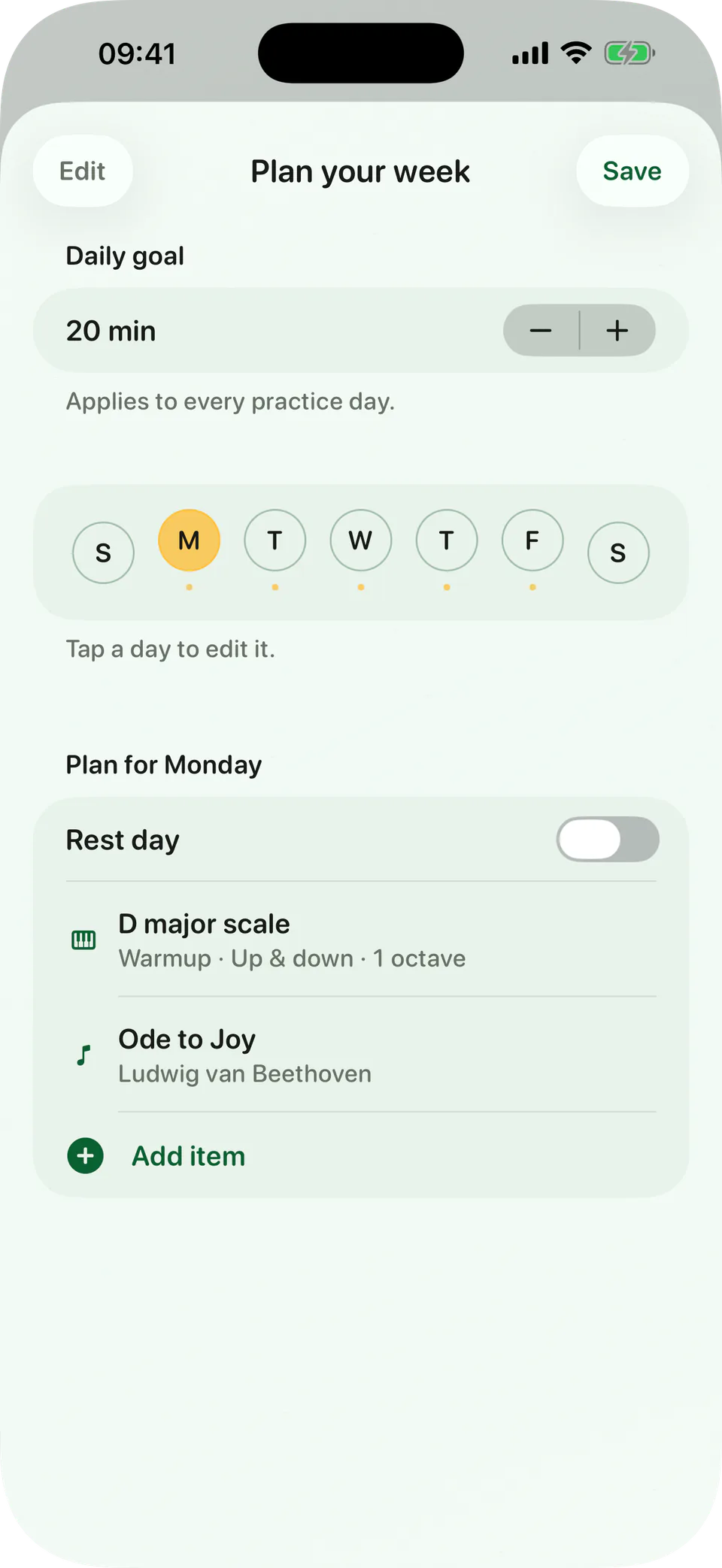
Choose practice days for the pieces you’re learning. BetterMuse keeps repertoire, warm-ups, technique, and review in one weekly plan, so you know what to do when you sit down.
See the piano practice planner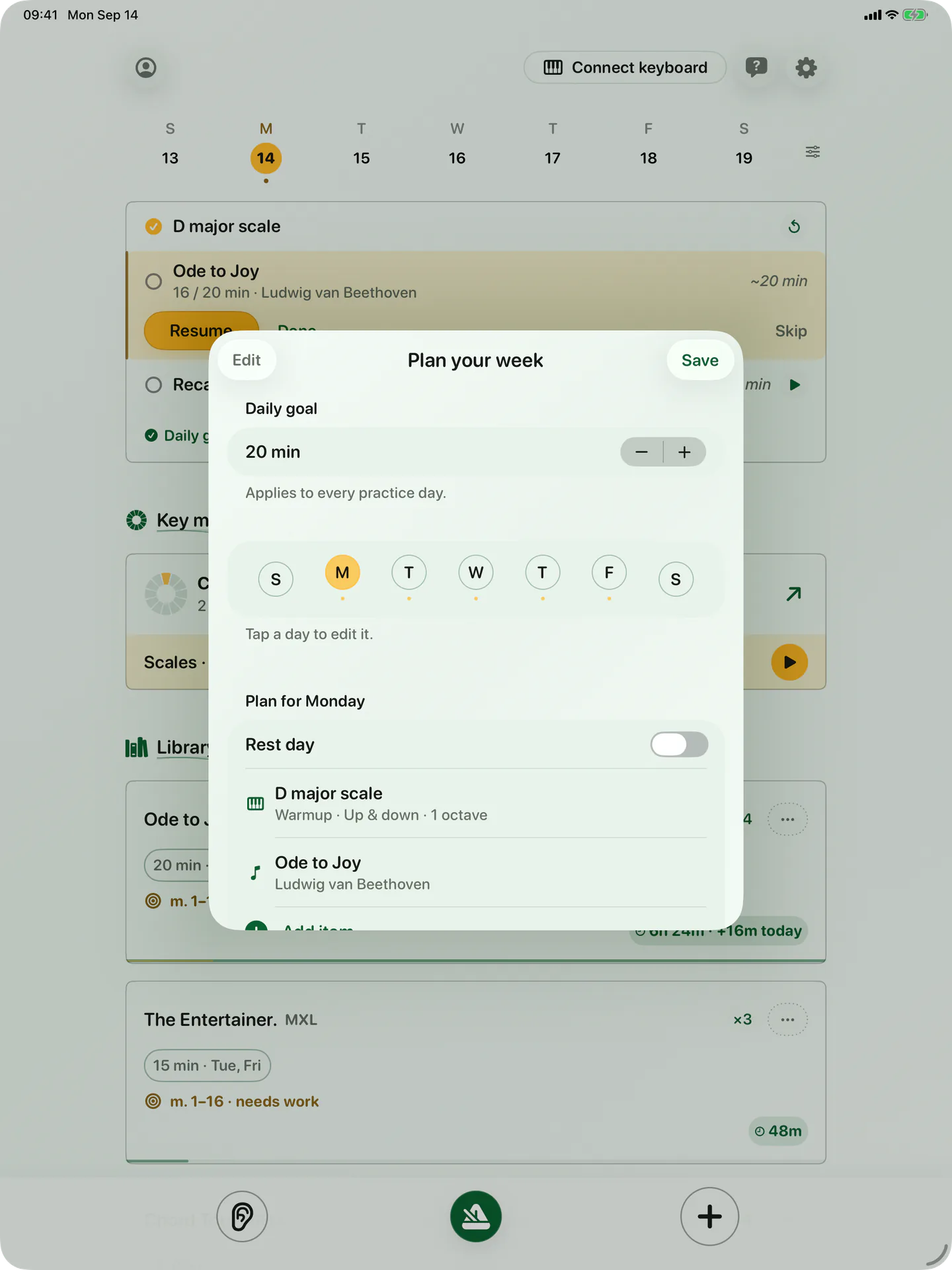
Find the piece that makes you want to sit down at the piano.
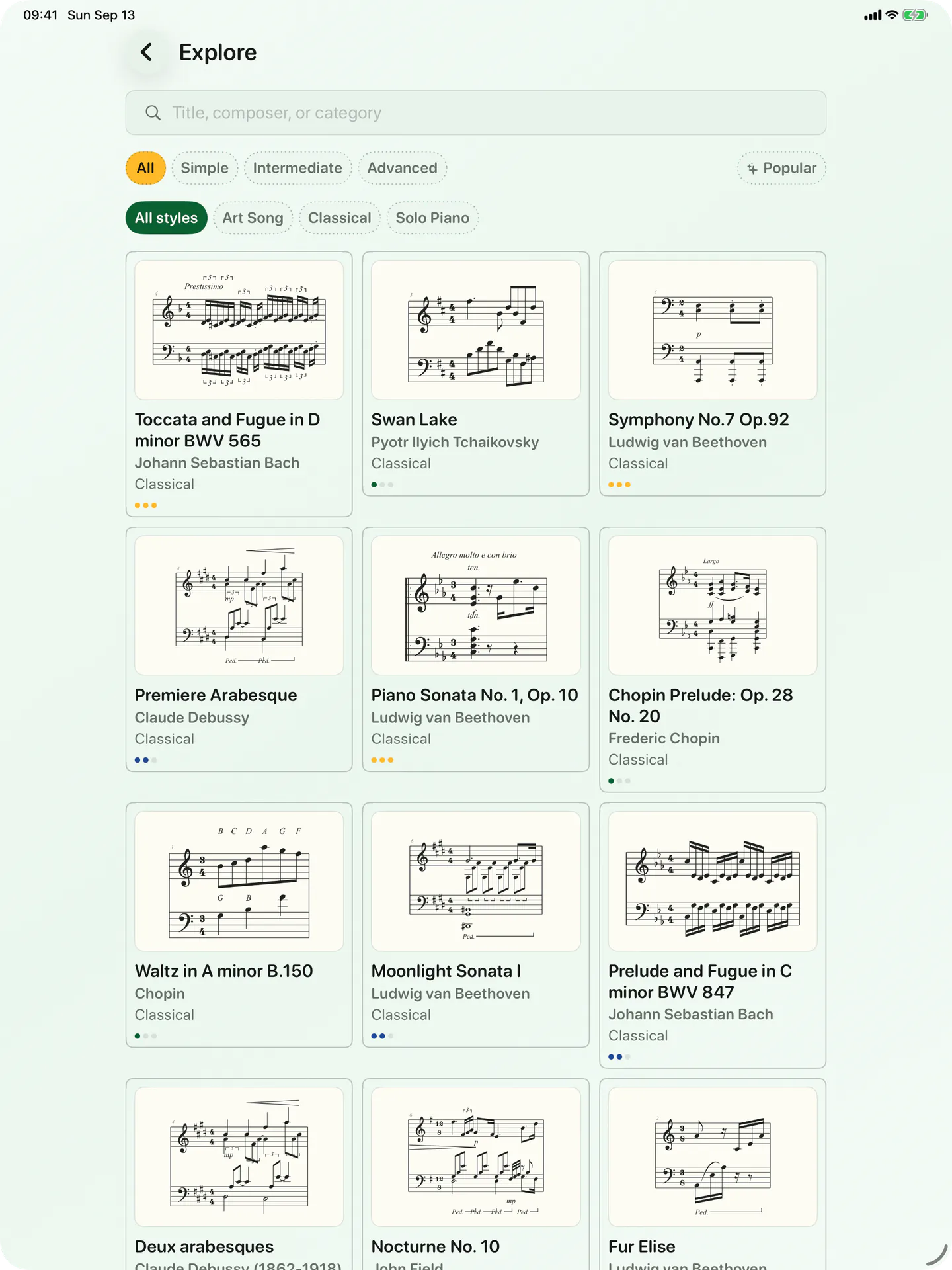
Choose a piece
Search by title, composer, level, or style.
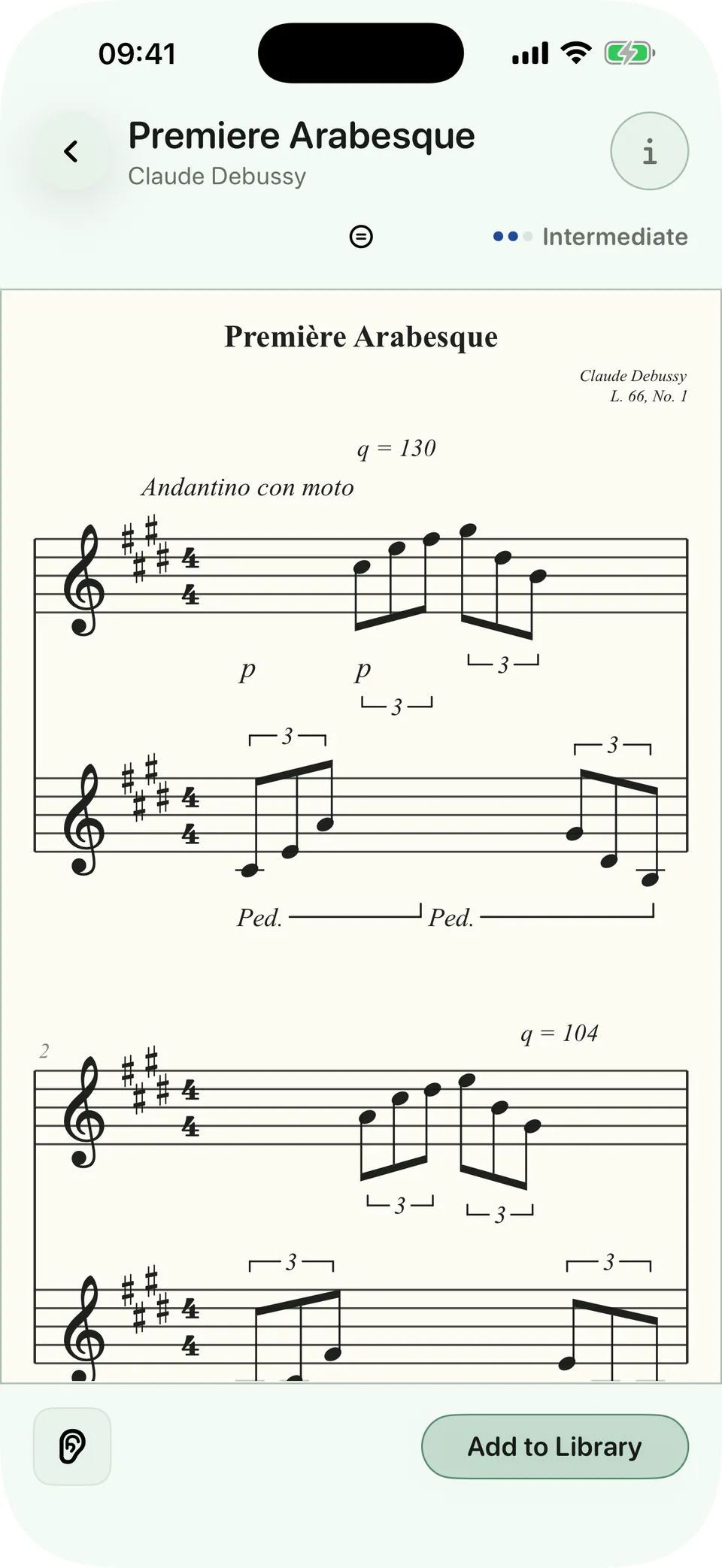
Look it over
Open the notation, zoom in, and listen before you commit.
Work on the hard bit
Loop the difficult bars. Slow them down. Separate the hands.
Keep it moving
Choose your practice days and give the piece a place in your week.
What pianists say.
“Finally. The drill/learning area is tremendous. There’s no other piano app that offers the same depth and flexibility. So much better than what’s out there and it was just launched.”
“Your app follows my self-practice flow very closely. … The ability to turn off fingerings is a huge plus for me and the training area you created looks great.”
“It lets me track and improve my playing across different keys...The ear training drills are also nice when I'm not at my piano.”

Play the pieces you love.One focused passage at a time.
On another device?
Open on your iPhone or iPad
Scan with your device’s camera, or search for BetterMuse in the App Store.
Currently available for iPhone and iPad.
Want BetterMuse on another platform?