What are you practicing today?
Build a weekly piano practice plan around your repertoire. Choose practice days, add scores and drills, set a daily goal, and keep the next step clear.
On another device?
Open on your iPhone or iPad
Scan with your device’s camera, or search for BetterMuse in the App Store.
Currently available for iPhone and iPad.
Want BetterMuse on another platform?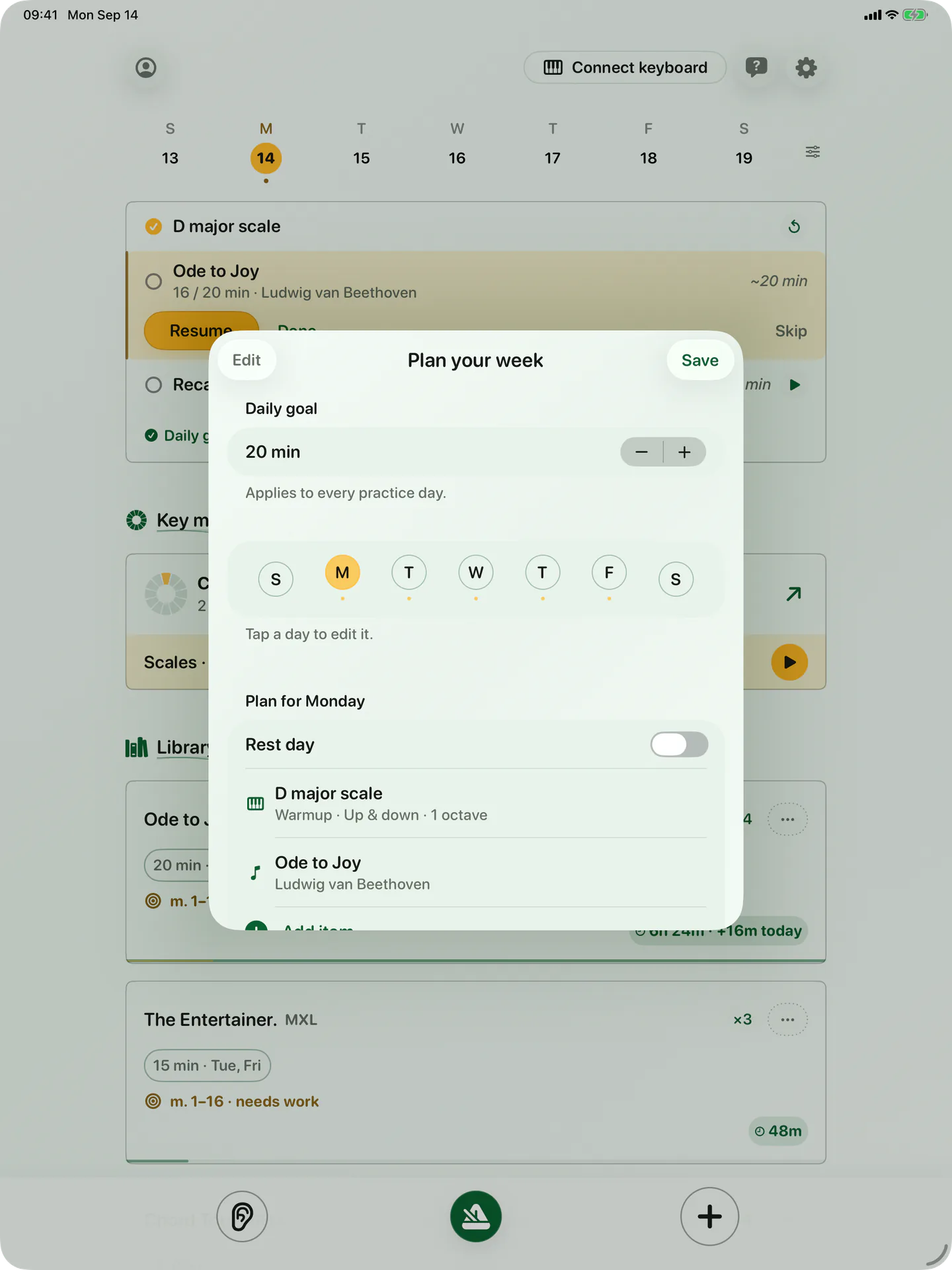
No more uncertainty at the piano.
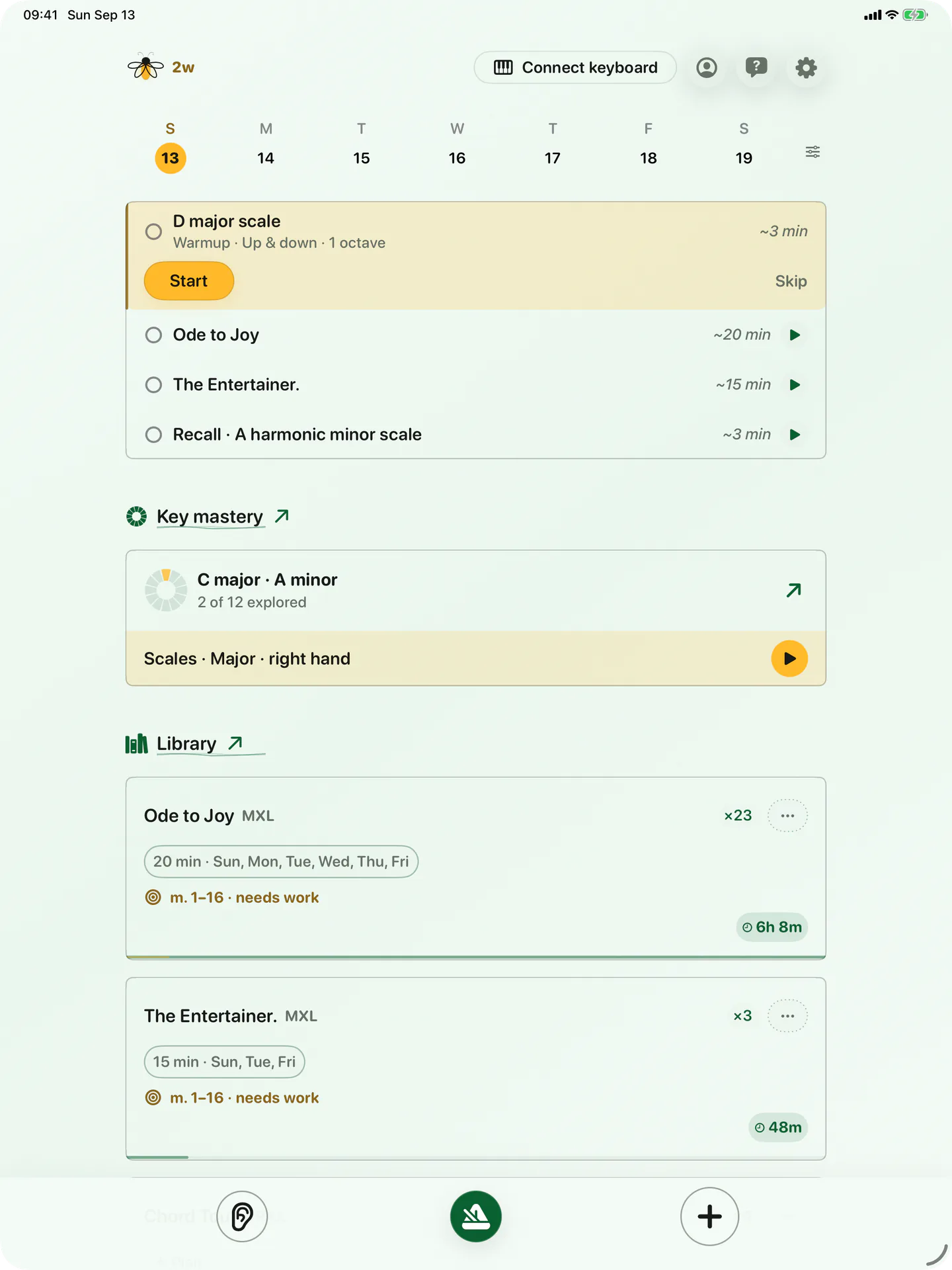
Work through your plan, and clear all 12 keys in Key mastery.
A schedule that grows with you
Day by day
Give each weekday its own mix of repertoire and saved drills.
A goal that fits
Set one daily time goal, then change it when you master a piece or your schedule changes.
A quiet nudge
Optional reminders follow the practice days and time you chose.
Try a 20-minute piano practice week
Use this example as a starting point, then adapt it to your level and repertoire. On each practice day, try 3 minutes of warm-up, 12 minutes on your main focus, and 5 minutes reviewing something familiar.
| Day | Practice focus |
|---|---|
| Monday | Choose one difficult passage. Practice it slowly in short sections. |
| Tuesday | Rest day. Leave room for the rest of your week. |
| Wednesday | Return to Monday's passage, then connect it to the bars around it. |
| Thursday | Rest day. Adjust the plan if your schedule has changed. |
| Friday | Work on a second piece. Keep the first piece fresh with a short review. |
| Saturday | Play familiar repertoire and revisit the spots that still interrupt the flow. |
| Sunday | Review the week. Choose what to repeat or change next week. |
Learn how to practice a difficult passage in small sections.
Set up your week in BetterMuse
Choose days you can keep
Start with the practice days that fit your week. Leave other days as rest days, and set a daily time goal you can realistically meet.
Give each day a small focus
Add library scores and saved Practice Lab drills to your weekly plan. A warm-up and one main piece are enough to start.
Review and adjust
At the end of the week, keep the work that still needs attention and change what no longer fits. Turn on reminders if a prompt at your chosen time would help.
A few practical details
Can I plan both piano scores and drills?
Yes. Library scores and saved Practice Lab drills can share the same weekly plan.
Can I keep rest days in my practice week?
Yes. Each weekday can be a practice day or a rest day, and you can change it later.
Do reminders follow my chosen practice days?
Yes, when you enable them. BetterMuse sends one quiet reminder at your chosen time only on the practice days in your plan.
Do I need a MIDI piano to use the planner?
No. Planning, reminders, score browsing, and reading do not require a connected keyboard.

Build a piano practice plan you can rely on.
On another device?
Open on your iPhone or iPad
Scan with your device’s camera, or search for BetterMuse in the App Store.
Currently available for iPhone and iPad.
Want BetterMuse on another platform?